Upload failed? Post your error here (copy this template)

Home › Forums › ESP32 & MCUs › Upload failed? Post your error here (copy this template)

Viewing 1 post (of 1 total)
  • Author
    Posts
  • #2642
    EEDIY Team
    Participant

    Getting a red error when you click Upload? You’re not alone. It’s the most common first-day problem, and it’s almost never a dead board.

    First, try the 5 checks in our guide: ESP32 upload failed? Fix it in 5 checks
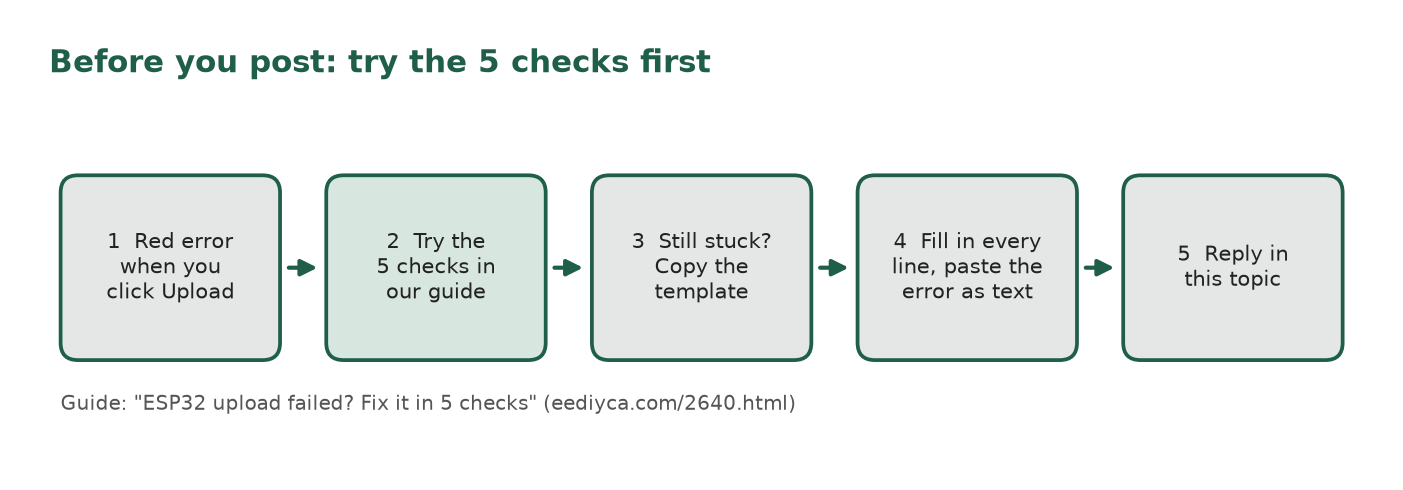
    Flow of five boxes: red upload error, try the five checks in the EEDIY guide, still stuck so copy the template, fill in every line and paste the error as text, reply in this topic.

    Still stuck? Reply to this topic and copy this template so people can help faster:

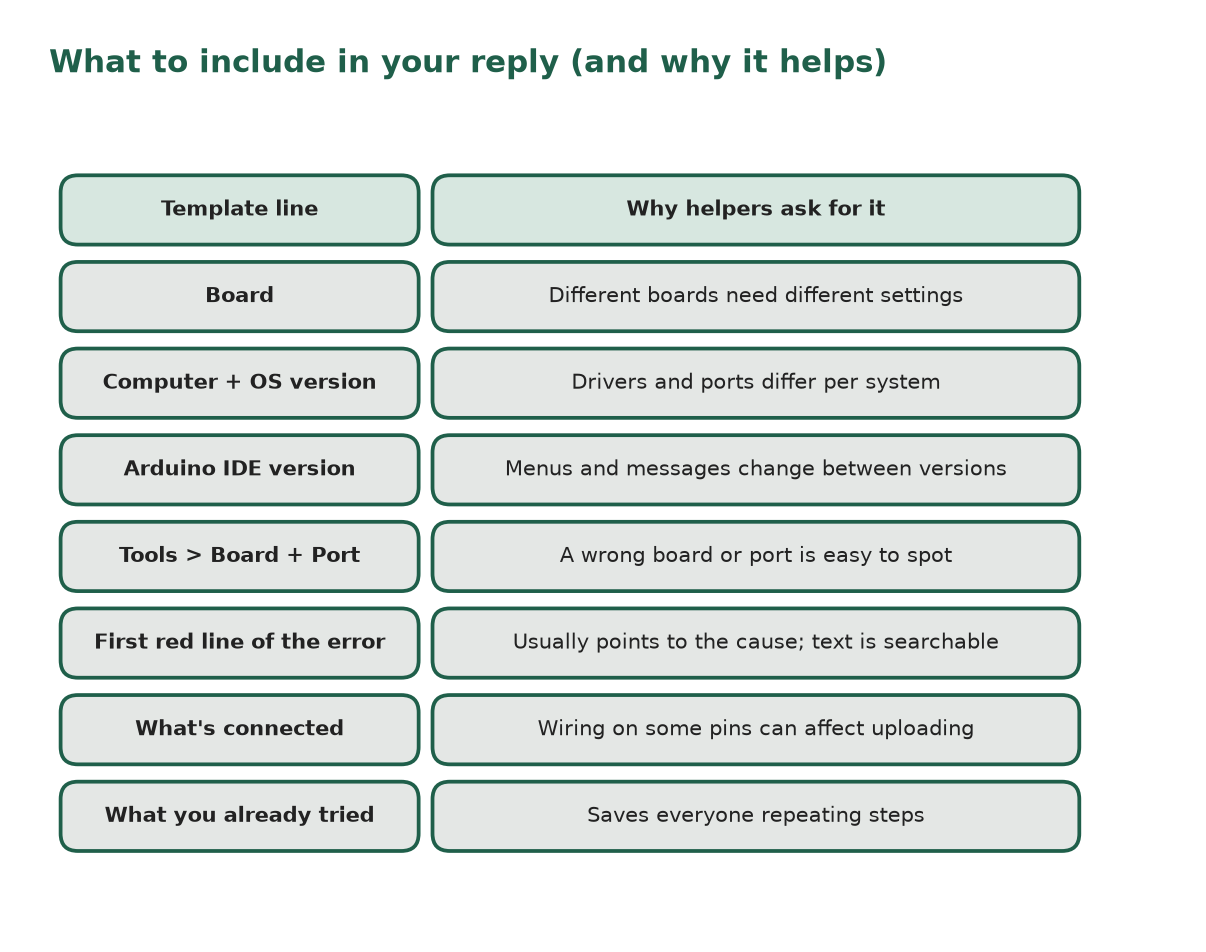
    • Board: (name printed on the board or the listing title)
    • Computer: Windows / macOS / Linux, and version
    • Arduino IDE version:
    • Tools > Board setting:
    • Port you selected:
    • First red line of the error: (paste the text, not a photo if you can)
    • What’s connected to the board: (nothing / breadboard / sensor on which pins)
    • What you already tried:
    Two-column table listing each template line (board, computer and OS version, Arduino IDE version, Tools board and port, first red line of the error, what is connected, what you already tried) and why helpers need it.

    — EEDIY Team (official)

Viewing 1 post (of 1 total)
  • You must be logged in to reply to this topic.